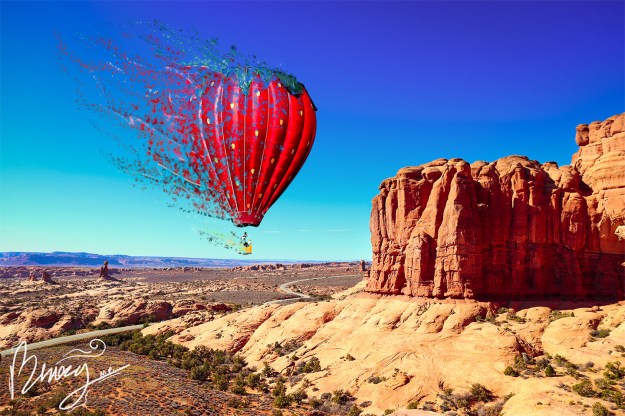
This is one of my favorite photo edits to make. To do this, you have to create two layers. In one, you remove the object you want to edit. In the second, you use the Liquify filter to warp the image in the direction you want it to go. You then create layer masks for both. Once you have done that, create a custom splatter brush in photoshop. In the first layer, use the splatter brush to make some of the inside of the object disappear, as well as the edges. In the other layer, you use the brush to bring out wisps of the warped image, creating an ashy effect.
 Eazy Briezy Photography