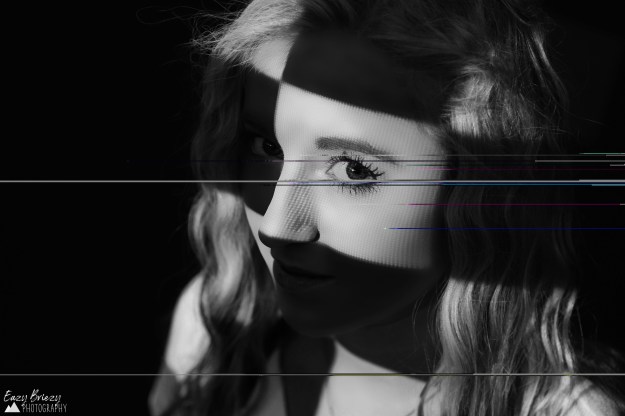
Glitch photography is super fun and extremely unique. No two photos will end up the same. To achieve this effect you will need to create a copy of the original photo, so as not to corrupt the photo itself. I made a mistake this time and forgot to complete that step, so this is the original photo, and I can’t undo it if I need to, unfortunately.
Once you have created a photocopy, you will open it in the Notepad++ app (if you don’t have it make sure to download it). It is absolutely imperative that you do not mess with at least the first fourth of the data (scroll down until at least that far) or you will corrupt the file. Beyond that, however, you can basically just delete and type at random anywhere else (I copied several John Mulaney jokes into this photo in random sections). Then to view your progress, every few changes you should save your progress, then go into your files and reopen the photo into your photo viewing app.
 Eazy Briezy Photography